Record with Voice Follow
Voice Follow listens while you speak and scrolls the text at your pace. When you pause, the text waits for you.
-
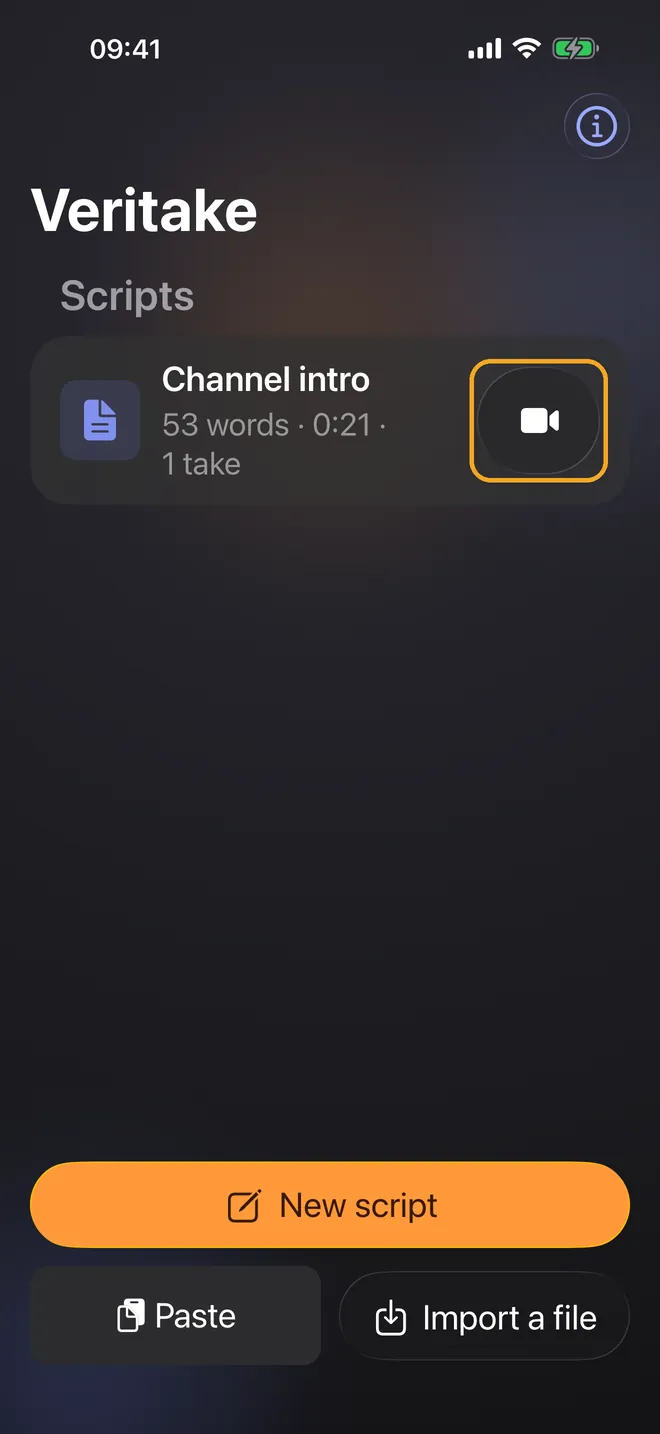
Tap the camera button next to your script.
-
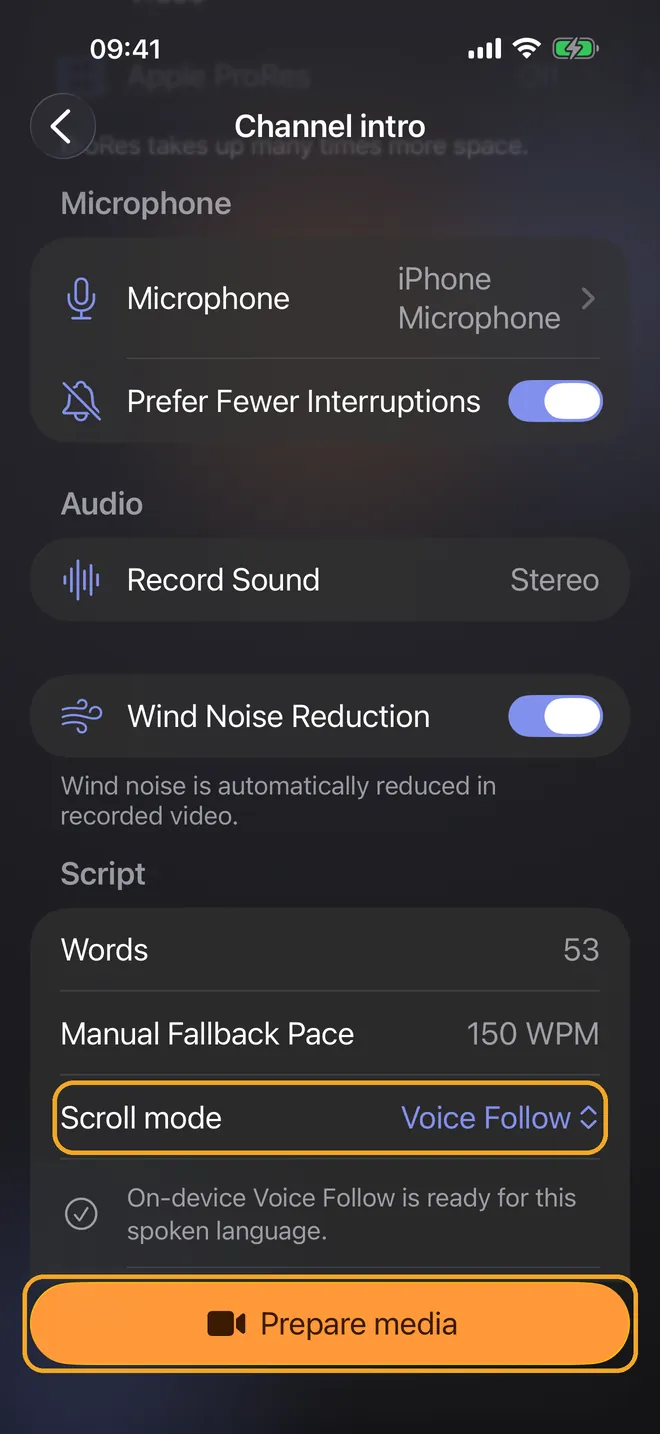
Under Scroll mode, choose Voice Follow, and under Spoken script language, choose the language you’ll read in. Veritake shows whether speech recognition is ready for that language. If it asks you to, tap Download and wait until recognition is ready. If Voice Follow isn’t available, choose Manual WPM for a steady reading speed instead. Then tap Prepare media.
-
Veritake checks the camera, microphone, and storage. When everything is ready, tap Start 3-second countdown.
-
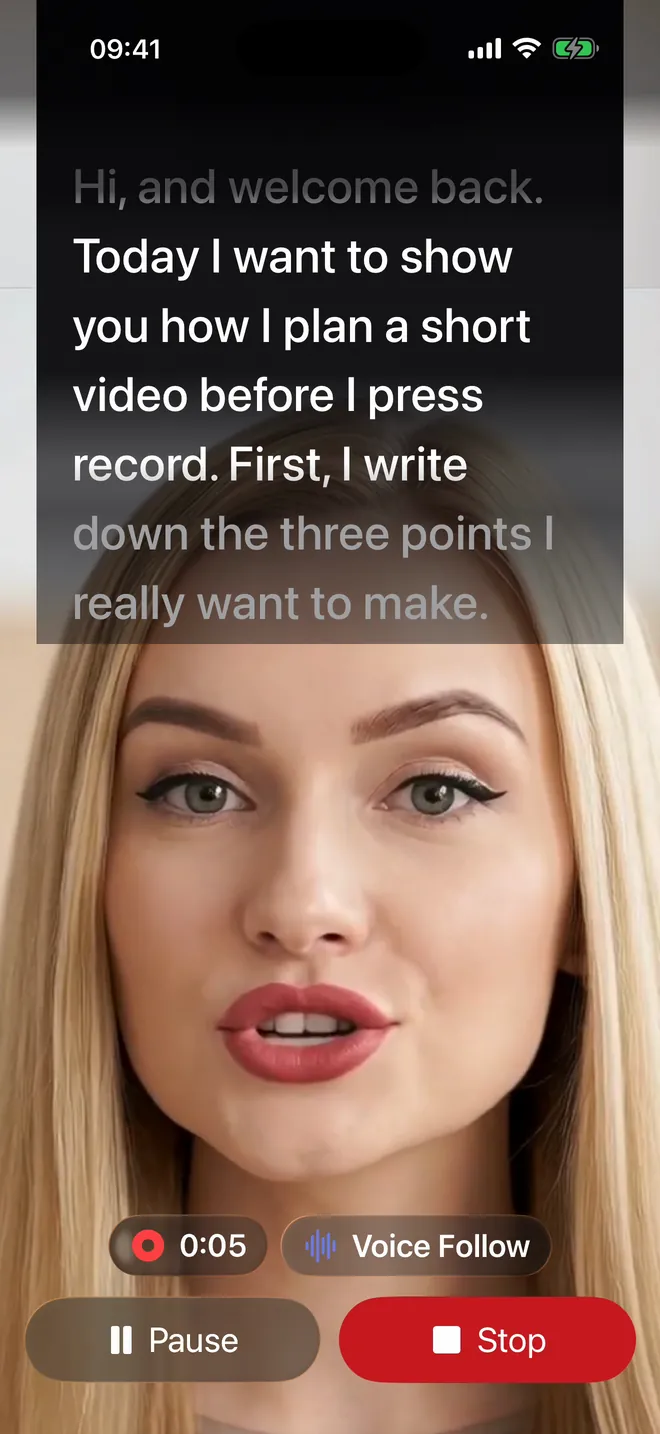
Read your script aloud. With Voice Follow selected, the text follows your voice.
Guides · Import or paste your script · Choose your camera and microphone · Trim and export your video